
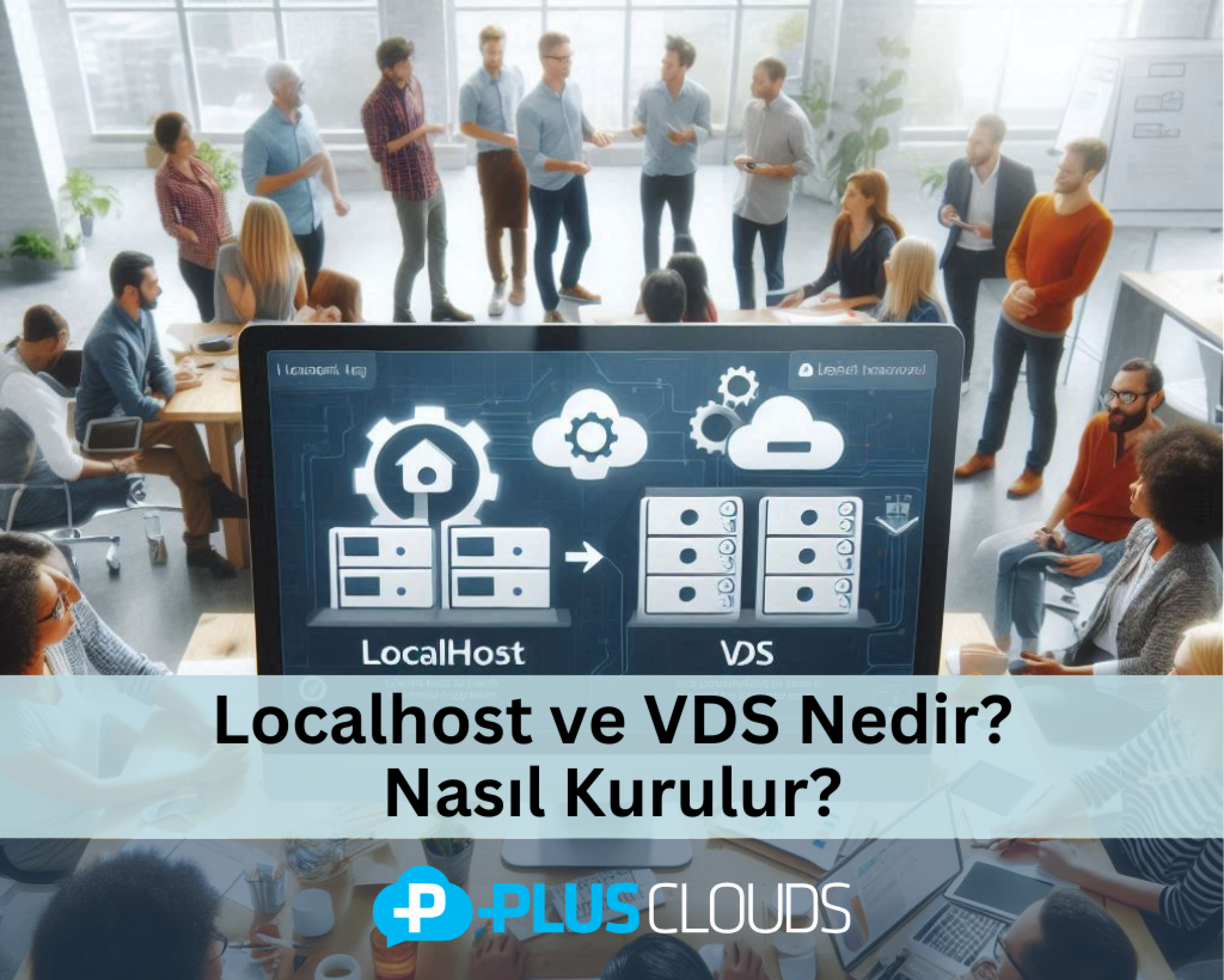
ما هو Localhost؟
"Localhost" هو مصطلح يُستخدم للإشارة إلى العنوان المحلي لجهاز الكمبيوتر. تقنيًا، يُمثل localhost عنوان IP 127.0.0.1. يُستخدم للعمل على خادم محلي واختبار مشاريع تطوير الويب.
بالنسبة للمطورين، يُعتبر localhost ضروريًا لاختبار التطبيقات والمواقع الإلكترونية في بيئة محلية قبل نشرها على الإنترنت. يتيح ذلك إصلاح الأخطاء المحتملة، وإجراء تحليلات الأداء، وتسريع عملية التطوير دون الحاجة إلى اتصال بالإنترنت.
المجالات الرئيسية لاستخدام Localhost:
تطوير الويب: اختبار المشاريع التي تم إنشاؤها باستخدام PHP وHTML وCSS وJavaScript ولغات أخرى في المتصفح.
إدارة قواعد البيانات: تشغيل أنظمة قواعد البيانات مثل MySQL وPostgreSQL أو MongoDB في بيئة محلية.
تطوير التطبيقات والاختبار: اختبار APIs على خادم محلي وتصحيح الأخطاء.
خوادم البريد الإلكتروني: اختبار خدمات البريد الإلكتروني المحلية باستخدام بروتوكولات SMTP أو IMAP.
كيفية إعداد Localhost؟
لاستخدام localhost، تحتاج إلى تثبيت برامج خادم الويب. تشمل الأدوات الأكثر شعبية وسهولة في التثبيت:
- XAMPP يأتي XAMPP مع خادم الويب Apache وقاعدة بيانات MySQL ودعم PHP. وهو مناسب لمستخدمي Windows وmacOS وLinux.
خطوات التثبيت:
- قم بتنزيل XAMPP من الموقع الرسمي.
- شغل ملف التثبيت واختر المكونات مثل Apache وMySQL.
- بمجرد اكتمال التثبيت، افتح لوحة تحكم XAMPP وابدأ خدمات Apache وMySQL.
- تحقق مما إذا كان التثبيت ناجحًا بالذهاب إلى "http://localhost" في المتصفح.
- WAMP WAMP هو بيئة تطوير ويب مصممة لمستخدمي Windows. يشمل Apache وMySQL وPHP.
خطوات التثبيت:
قم بتنزيل البرنامج من الموقع الرسمي لـ WAMP. قم بتثبيت البرنامج وتكوينه عن طريق اختيار المكونات الضرورية. قم بإدارة إعدادات الخادم من لوحة التحكم بالنقر على أيقونة WAMP.
- MAMP MAMP هو برنامج localhost مخصص لمستخدمي Mac. وهناك أيضًا نسخة متاحة لـ Windows.
خطوات التثبيت:
قم بتنزيل البرنامج من موقع MAMP. ابدأ خدمات Apache وMySQL. قم بزيارة "http://localhost" في المتصفح للتحقق من التثبيت.
- LAMP LAMP هو حل localhost لمستخدمي Linux. يشمل مكونات Apache وMySQL وPHP.
خطوات التثبيت:
يمكنك التثبيت عن طريق تشغيل الأمر "sudo apt install lamp-server^" في الطرفية. ابدأ خدمات Apache وMySQL. تحقق من "http://localhost" في المتصفح.
ما هو VDS؟ وما هي استخداماته؟
ما هو VDS؟ VDS (الخادم المخصص الافتراضي) هو خدمة خادم افتراضي تم إنشاؤها عن طريق افتراضية خادم فعلي (https://plusclouds.com/tr/cloud/servers). يعمل كل VDS بشكل مستقل عن الآخرين ويوفر موارده المخصصة (CPU، RAM، مساحة القرص) للمستخدمين.
يُفضل VDS بشكل خاص للمواقع الإلكترونية والمشاريع التي تشهد حركة مرور عالية. يوفر للمستخدمين وصولاً كاملاً للتحكم والتخصيص. بالإضافة إلى ذلك، فهو أكثر اقتصادية مقارنة بتكلفة الخوادم الفعلية.
ما هي استخدامات VDS؟
المجالات الرئيسية للاستخدام:
استضافة المواقع والتطبيقات: للمشاريع ذات الحركة المرورية العالية أو البرمجيات المخصصة، يُعتبر VDS حلاً مثاليًا. يوفر المزيد من الأمان والأداء.
إدارة قواعد البيانات: يوفر بيئة مناسبة لتطبيقات قواعد البيانات الكبيرة.
خوادم الألعاب: يُفضل VDS لخوادم الألعاب مثل Minecraft وCS:GO.
اختبار وتطوير البرمجيات: يوفر للمطورين مجال اختبار واسع لاختبارات API وتحديثات البرمجيات وتصحيح الأخطاء.
خوادم البريد الإلكتروني: يُستخدم لاستضافة خدمات البريد الإلكتروني للشركات.
خدمات VPN: يوفر بنية تحتية مثالية لإنشاء شبكتك الافتراضية الخاصة.
كيفية إعداد VDS؟
اختيار الاستضافة: قم بشراء خدمة VDS (https://plusclouds.com/tr/cloud/datacenter) من مزود استضافة. في هذه المرحلة، يسعدنا في PlusClouds أن نرافقك في هذه الرحلة. تقدم PlusClouds حلول VDS مصممة لتلبية احتياجات مختلفة كشركة تقدم خدمات السحابة والاستضافة. يمكن للمستخدمين توسيع الموارد مثل CPU وRAM ومساحة القرص وعرض النطاق الترددي للشبكة وفقًا لاحتياجاتهم. تدعم PlusClouds أيضًا خدمات VDS بإجراءات أمان مثل الجدران النارية، وحماية DDoS، وتشفير البيانات. لمزيد من المعلومات، اضغط هنا..
تكوين الخادم: في PlusClouds، لدينا نماذج خوادم مناسبة للشركات التي تدفع حسب الاستخدام وقابلة للتوسع بشكل خاص لتلبية احتياجاتك. اتصل بنا لتحديد نموذج الخادم الذي يناسبك.
اتصل بالخادم باستخدام SSH أو RDP. قم بتثبيت نظام التشغيل (Linux أو Windows) حسب احتياجاتك. قم بتثبيت خادم ويب مثل Apache أو Nginx.
- إجراءات الأمان: قم بتعيين كلمة مرور قوية للجذر. احمِ الخادم من التهديدات الخارجية عن طريق إعداد جدار ناري. تقدم PlusClouds جدران نارية مفتوحة المصدر مرخصة ومدارة. اعتمادًا على تعقيد شبكتك، يمكنك الحصول على جدار ناري مفتوح المصدر غير مرخص بأسعار معقولة. قم بتفعيل النسخ الاحتياطية والتحديثات التلقائية.
الخاتمة: يُعتبر Localhost وVDS أدوات لا غنى عنها لكل من المطورين الأفراد والمشاريع المؤسسية. يوفر Localhost منصة مثالية لمراحل الاختبار والتطوير، بينما يوفر VDS أداءً عاليًا وأمانًا للمشاريع عبر الإنترنت. باستخدام هذه الأدوات بفعالية، يمكنك إحياء مشاريعك بسرعة وأمان وكفاءة أكبر.