- Wat is XML?
- Basiskenmerken van een XML-bestand
- Hoe is de structuur van een XML-bestand?
- Waarvoor wordt XML gebruikt?
- Wanneer en waar wordt XML gebruikt?
- Basisbegrippen met betrekking tot XML
- Technische voordelen van XML
- Nadelen van XML
- XML vs JSON
- Echte levens XML-voorbeelden
- Veelgestelde vragen over XML
- Conclusie
Met de dagelijkse ontwikkelingen in technologie is het van groot belang geworden om gegevens op te slaan, te delen en te organiseren. Op dit punt spelen XML (Extensible Markup Language) bestanden een belangrijke rol in het transporteren en opslaan van gestructureerde gegevens. Wat is een XML-bestand, waarvoor dient het en waarom wordt het zo vaak gebruikt? Hier zijn alles wat je moet weten over XML-bestanden.
Wat is XML?
XML is een afkorting van "Extensible Markup Language". Het betekent "Uitbreidbare Markup Taal" in het Nederlands. Het is ontwikkeld door W3C (World Wide Web Consortium) en is in 1998 gestandaardiseerd.
Het is een opmaaktaal zoals HTML, maar het belangrijkste verschil is dat het wordt gebruikt om gegevens te transporteren en te definiëren. Terwijl HTML zich richt op het weergeven van gegevens, richt XML zich op het beschrijven van wat de gegevens zijn.
Basiskenmerken van een XML-bestand
Bevat door de gebruiker gedefinieerde tags (bijv:
, , ). Heeft een hiërarchische (boomstructuur) gegevensstructuur.
Is platform- en software-onafhankelijk.
Ondersteunt Unicode-tekenreeksen zoals UTF-8 of UTF-16.
Heeft de mogelijkheid om opmerkingen toe te voegen ().
Zorgt voor de structurering van gegevens.
Hoe is de structuur van een XML-bestand?
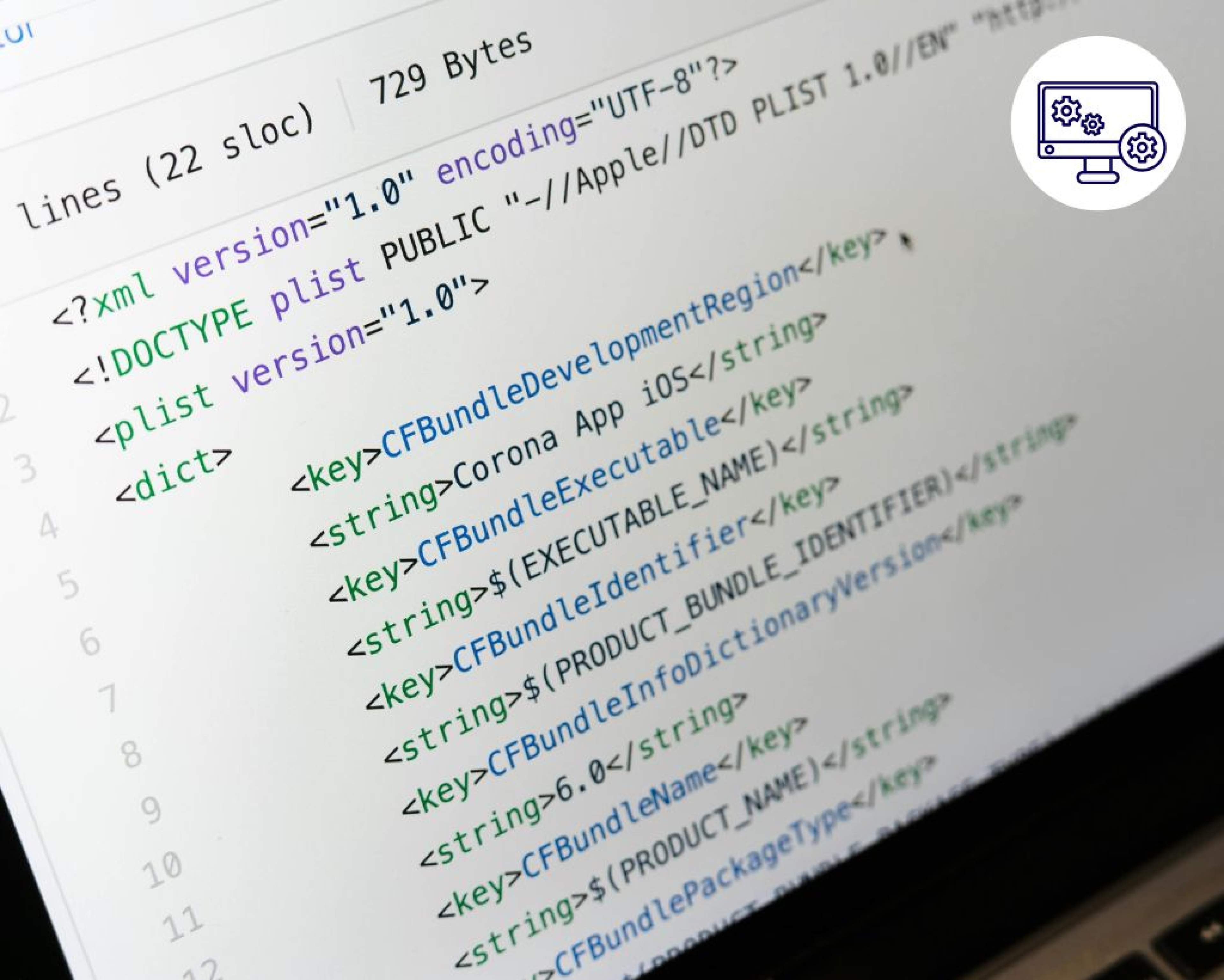
XML-bestanden bestaan uit opening en sluiting tags. Hier is een eenvoudig voorbeeld:
In dit voorbeeld:
is de hoofdtag. Subtags:
, , . Elke tag heeft een sluitingstag ().
Gegevens zijn leesbaar en betekenisvol.
Waarvoor wordt XML gebruikt?
1. Voor Gegevensoverdracht
XML is ideaal voor het standaardiseren van gegevensuitwisseling tussen systemen. Bijvoorbeeld, een e-commerce website kan productinformatie in XML-formaat naar een ander systeem sturen.

2. In Webservices
SOAP-gebaseerde webservices zijn gebaseerd op het XML-formaat. Gegevensuitwisseling in API's kan via XML worden gerealiseerd.
3. Configuratiebestanden
In platforms zoals Java, .NET en Android worden configuratie-instellingen gedaan met XML (voorbeeld: web.config, AndroidManifest.xml).
4. Voor Gegevensopslag
XML kan vooral worden gebruikt in plaats van een database voor kleine datasets.
5. Kantoorapplicaties
Microsoft Office (vooral Word en Excel) gebruikt XML-gebaseerde bestandsformaten (.docx, .xlsx, enz.).
6. In Sectorale Documenten
Verschillende gestructureerde gegevens zoals facturen, klantinformatie, bestelrecords, productcatalogi kunnen met XML worden opgeslagen.
Wanneer en waar wordt XML gebruikt?
XML wordt niet alleen gebruikt voor gegevensoverdracht, maar ook voor het structureren van deze gegevens. Ontwikkelaars gebruiken XML zowel in webservices als in lokale applicaties. Het is vooral gebruikelijk in de volgende gebieden:
Informatieoverdracht tussen softwaresystemen
Configuraties van mobiele applicaties
Gegevensuitwisseling in webapplicaties
Bank- en e-factuursystemen
Bovendien kunnen XML-bestanden worden omgezet naar HTML met technologieën zoals XSLT om gegevens aan de eindgebruiker voor te stellen. Maar het is niet zo visueel gericht als directe HTML.
Basisbegrippen met betrekking tot XML
• DTD (Document Type Definition): Schema dat de structuur van een XML-bestand definieert.
• XSD (XML Schema Definition): Definieert de datatypes en structuur van XML-inhoud.
• XPath: Wordt gebruikt om specifieke datastukken in XML-documenten te query'en.
• XSLT: Wordt gebruikt om XML-gegevens naar verschillende formaten (bijvoorbeeld HTML) om te zetten.
• XML Parser: Softwarecomponent die een XML-bestand leest en verwerkt.
Technische voordelen van XML
• Platformonafhankelijkheid: XML werkt overal, ongeacht het besturingssysteem of de software.
• Algemene compatibiliteit: Bijna alle programmeertalen ondersteunen XML.
• Unicode-ondersteuning: Kan probleemloos tekens uit alle talen verwerken.
• Mogelijkheid om opmerkingen toe te voegen: Het is mogelijk om verklarende notities in de code achter te laten.
• Uitbreidbaarheid: Gebruikers kunnen hun eigen speciale tags maken die aan hun behoeften voldoen.
Nadelen van XML
• Bestandsgrootte: Vanwege de overvloed aan tags kan het groter zijn dan alternatieven zoals JSON.
• Efficiëntie: XML-parsing is relatief trager.
• Gebrek aan visuele presentatie: Produceert geen directe visuele output; het moet worden omgezet.
XML vs JSON
| Kenmerk | XML | JSON |
|---|---|---|
| Gegevensstructuur | Hiërarchisch (boomstructuur) | Object/array-gebaseerd |
| Leesbaarheid | Kan relatief complex zijn | Eenvoudiger |
| Bestandsgrootte | Groter | Kleiner |
| Schema-ondersteuning | DTD, XSD | JSON Schema |
| Opmerkingen toevoegen | Ja | Nee |
Echte levens XML-voorbeelden
• RSS-feeds: In blog/nieuwssites worden inhoudsupdates met XML uitgevoerd.
• e-Factuur systemen: In Turkije zijn de e-documentformaten van de Belastingdienst gebaseerd op XML.
• Banken en Financiën: Geldoverdrachten en rapportages kunnen met XML worden gedaan.
• Mobiele Applicaties: In Android-toepassingen worden de interface en configuratie gedefinieerd met XML.
Veelgestelde vragen over XML
Waarom worden XML-bestanden zo veel gebruikt?
De belangrijkste redenen voor de populariteit van XML zijn:
Het functioneert platformonafhankelijk
Leesbaar voor zowel mens als machine
Uitbreidbare en aanpasbare tagstructuur
Een universele standaard voor het transporteren en definiëren van gegevens
Wat is het verschil tussen XML en HTML?
HTML definieert hoe gegevens eruitzien (presentatiegericht), terwijl XML definieert wat de gegevens zijn (betekenisgericht). Tags in HTML zijn vast, in XML worden ze door de gebruiker gedefinieerd. Kortom, HTML toont, XML legt uit.
Waarom is JSON vervangen door XML?
JSON is een gegevensindeling die minder ruimte gebruikt en natuurlijker werkt met JavaScript. Daarom biedt het vooral voor webgebaseerde toepassingen een snellere en praktischere oplossing. Echter, XML wordt nog steeds in veel systemen gebruikt omdat het geschikter is voor complexere gegevensstructuren en een sterkere schema-definitie heeft (XSD).
Is XML veilig?
XML zelf is niet veilig of onveilig; echter, er kunnen beveiligingsproblemen ontstaan in XML-gebaseerde systemen. Daarom moeten XML-gegevens van externe bronnen altijd gevalideerd en gefilterd worden voordat ze worden verwerkt. Daarnaast moeten er maatregelen worden genomen tegen XML External Entity (XXE) aanvallen.
Is het moeilijk om XML te leren?
Nee. Het leren van de basis van XML is vrij eenvoudig omdat het een door mensen leesbare structuur heeft. Nadat de basis tagstructuur is geleerd, kan worden voortgebouwd met verder gevorderde onderwerpen zoals DTD, XSD en XPath.
Welke applicaties gebruiken XML?
XML komt vaak voor in de volgende gebieden:
Webservices (vooral SOAP)
Android-applicaties
Configuratiebestanden
Microsoft Office-documenten
E-overheid, e-factuur systemen
RSS-feeds
Banken en financiële systemen
Hoe open je een XML-document?
Om een XML-bestand te openen, is een teksteditor zoals Notepad, Visual Studio Code of Sublime Text voldoende. Voor geavanceerdere weergave en validatie kunnen XML-editors of browserextensies worden gebruikt.
Is XML op zichzelf voldoende?
Nee. XML definieert en transporteert alleen de gegevens. Voor de verwerking, visualisatie of validatie van deze gegevens zijn andere tools (bijv.: XSLT, XSD, parsers) nodig.
Kan een XML-bestand als database worden gebruikt?
Het kan worden gebruikt in kleinschalige applicaties of tijdelijke gegevensoplossingen. Echter, voor grote datasets of complexe relationele structuren kan XML de plaats van databases niet innemen. Wat betreft prestaties, beveiliging en query-eigenschappen zijn databases veel krachtiger.
Conclusie
XML is een krachtig, flexibel en platformonafhankelijk formaat voor gegevenstransport, -definitie en -structurering. Dankzij de uitbreidbare structuur kan het in veel verschillende gebieden worden gebruikt. Het speelt vooral een onmisbare rol in gegevensoverdracht en configuratiebehoeften tussen systemen.
Hoewel lichtere alternatieven zoals JSON in veel webtoepassingen de voorkeur genieten, heeft XML nog steeds een breed toepassingsgebied, van e-overheidssystemen tot bankdiensten, en van mobiele applicaties tot ERP-software.