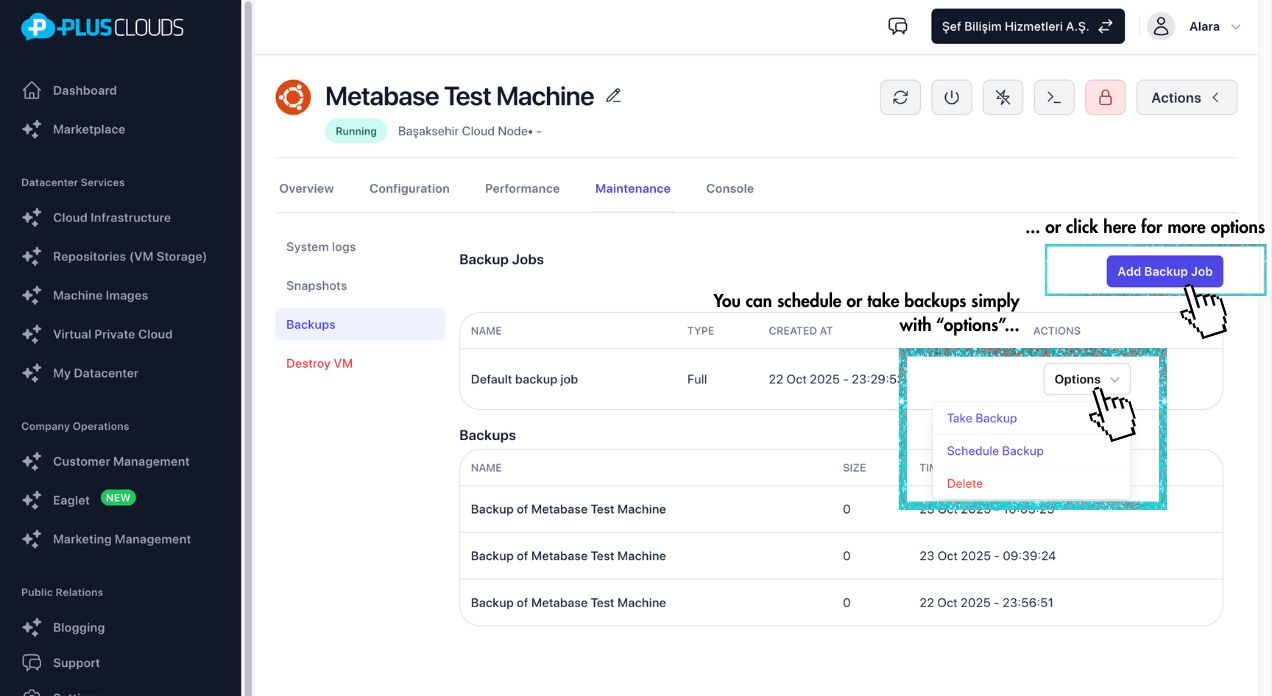
Automated Backup
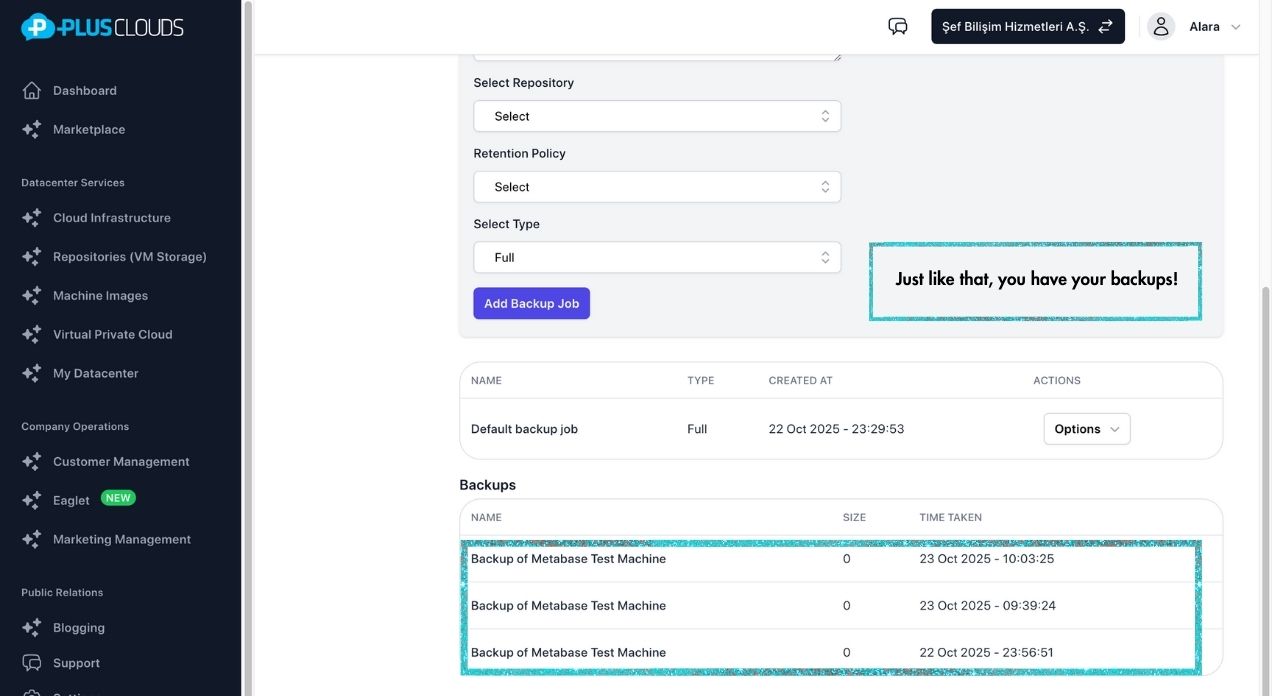
Backups with RPO/RTO tracking, automatic retention cleanup and replication to a secondary location — zero manual effort.
Learn moreLeo runs backups, health checks and workload placement automatically — and hands you the controls the instant something actually needs a decision.
Intelligent Infrastructure
Backups, health checks and workload placement run on autopilot — a human is paged only when something actually needs a decision.
Each VM builds a sliding behavioral baseline. Alerts fire only when there is a real deviation — not during a scheduled job spike, but when something is actually broken. No false alarms at 3 AM. No missed events.
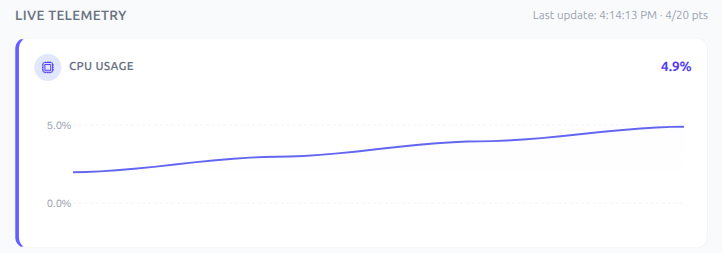
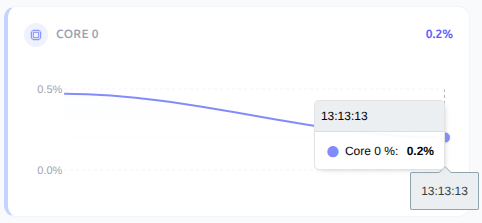
Every host reports CPU and RAM in real time. When you launch a VM, the platform picks the host that can actually handle it — not just the next in line. Hosts under maintenance are skipped automatically.
Why it matters
No middleman margin. No mystery downtime. No surprise egress charges.
60s
Average deploy time
AMD EPYC + NVMe
$0
Egress & support surcharges
No hidden fees
<2 min
Incident response time
Escalated to a human only when it matters
Tier III
Data Center
Enterprise-grade infrastructure
Transparent Pricing
No hidden fees · No egress charges · Cancel anytime
Ubuntu
22.04 · 24.04 LTS
Starting from
$5/mo
Ubuntu 22.04 · 24.04 LTS
Windows Server
2019 · 2022
Starting from
$5/mo
Windows Server 2019 · 2022
CloudLinux
Security-focused · Ideal for hosting
Starting from
$5/mo
CloudLinux license from $9/mo
Need a custom configuration?
Calculate CPU, RAM and storage exactly to your needs
Deploy in 60 seconds
No sales call. No procurement. No sizing exercise. Just click.
Choose OS, CPU, RAM, storage. See the price instantly — no hidden fees.
One click launches your server. Takes 60 seconds. Literally.
Monitor, scale, restore from one dashboard. Or automate via open API.
Affordable pricing
Per-hour billing
Easy management
Single screen from web panel
Real-time monitoring
Instant metrics & alerts
Guaranteed technical support
24/7 expert engineer
Pre-sales live support
Try before you buy
A real walkthrough of the panel — anomaly detection, live placement, and backups, in action.
PlusClouds YouTube Channel
Follow for new demos, guides and product updates
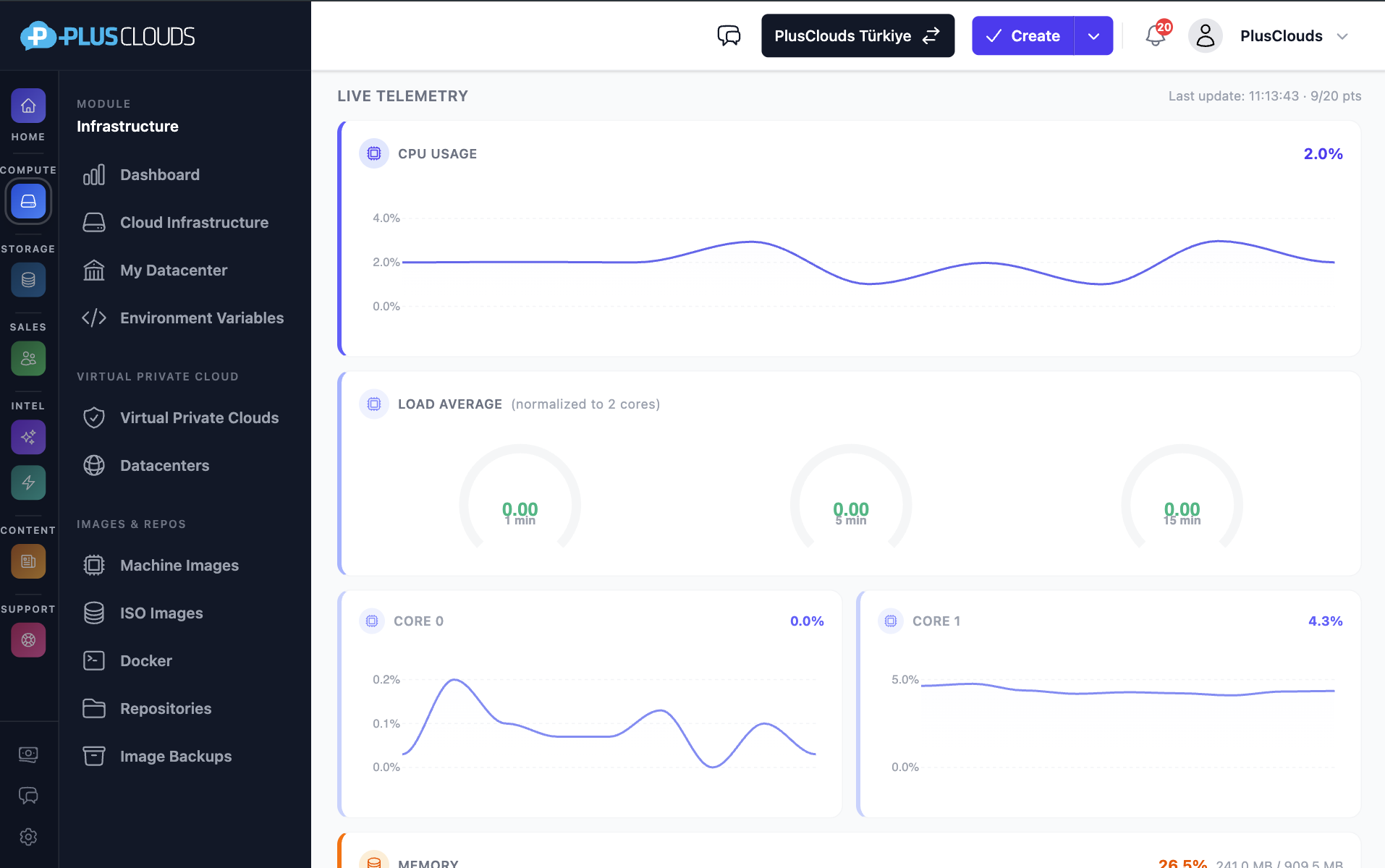
Telemetry
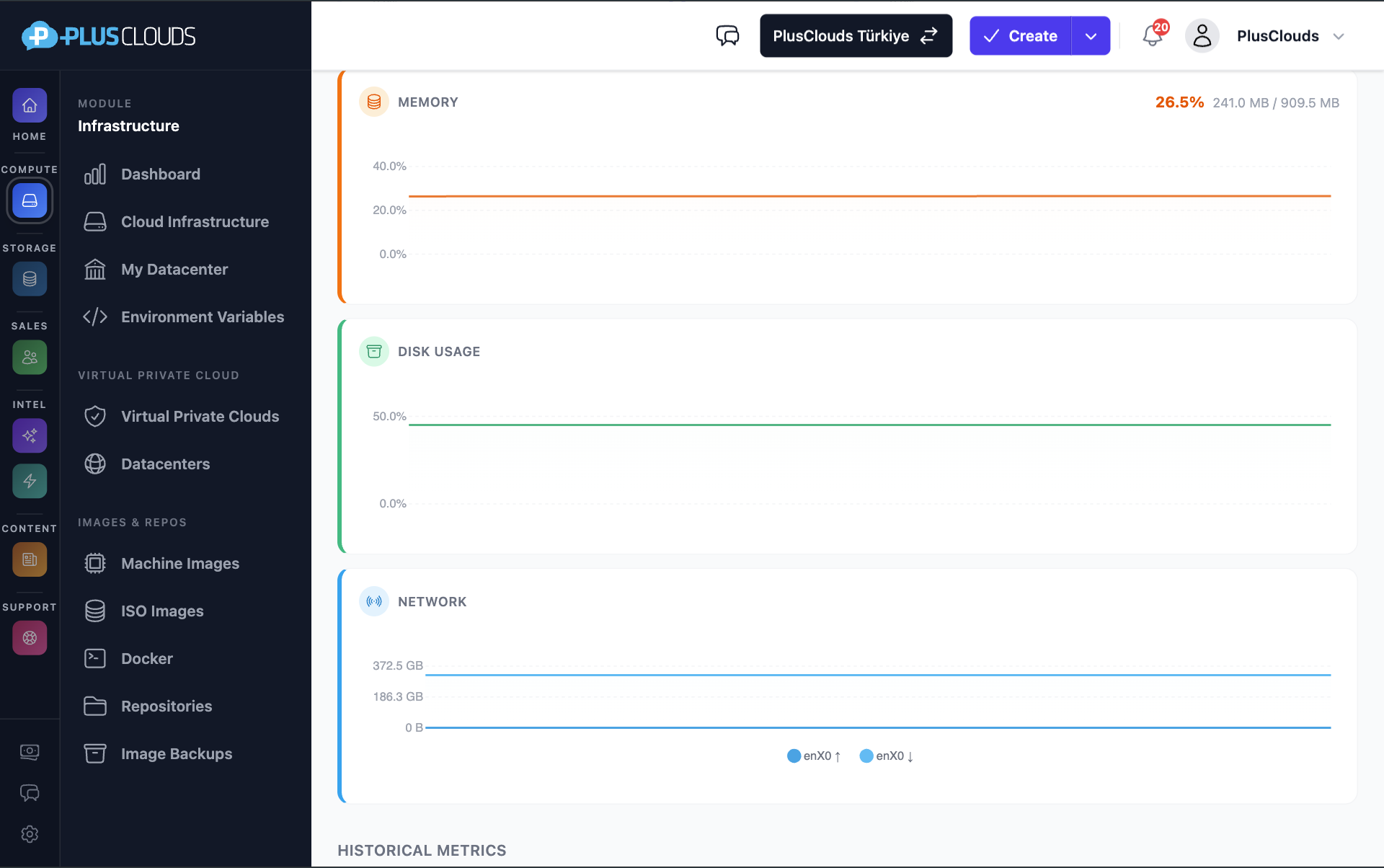
Metrics per host and network interface consolidated in one panel, exportable to your own stack.
Platform Capabilities
No third-party agents, no manual integrations. Every feature below is part of the same platform — managed from one panel, billed on one invoice.
Virtual Machines
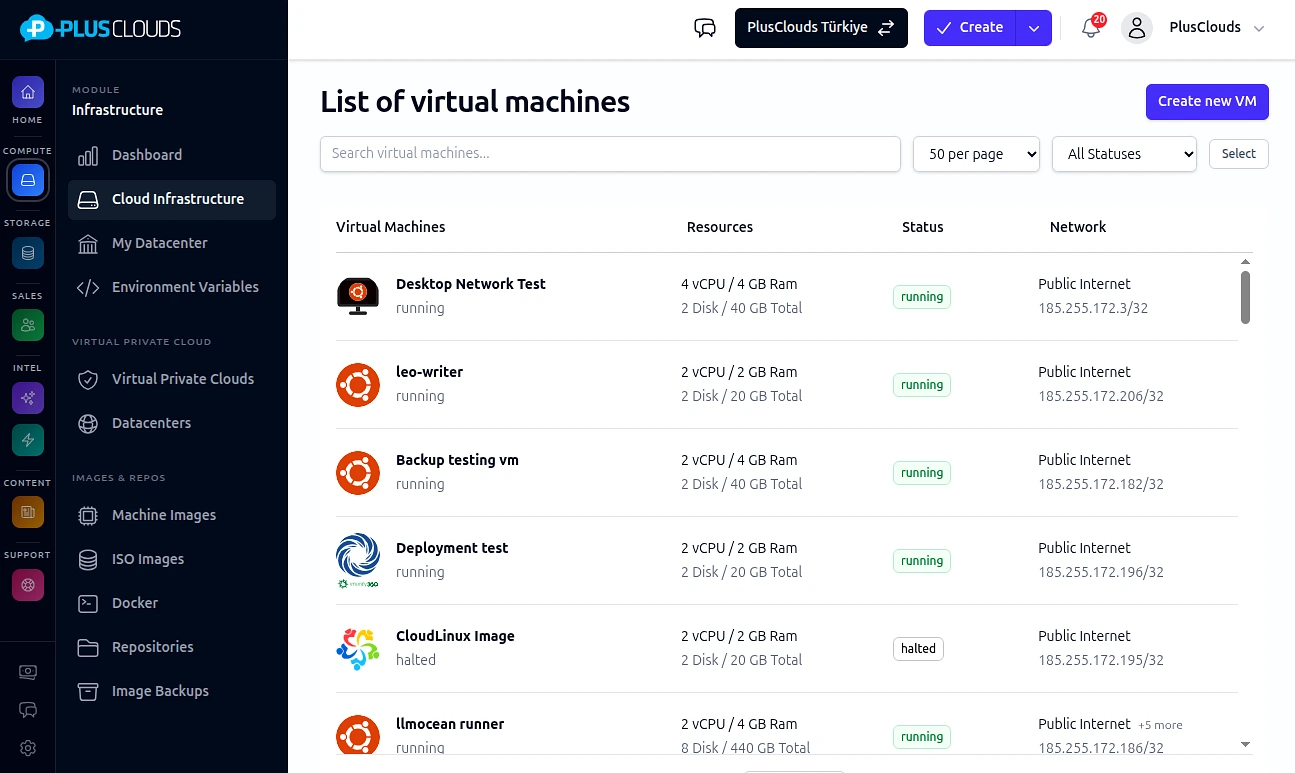
AMD EPYC processors and NVMe storage ready in under 60 seconds. Snapshot before risky changes, pause without losing RAM state, and convert any running server into a reusable template.
Networking
Public, private, VPN, management and DMZ — each with its own CIDR, DNS servers and dedicated gateway/firewall. Per-network and per-NIC bandwidth limits prevent one VM from saturating others.
Storage
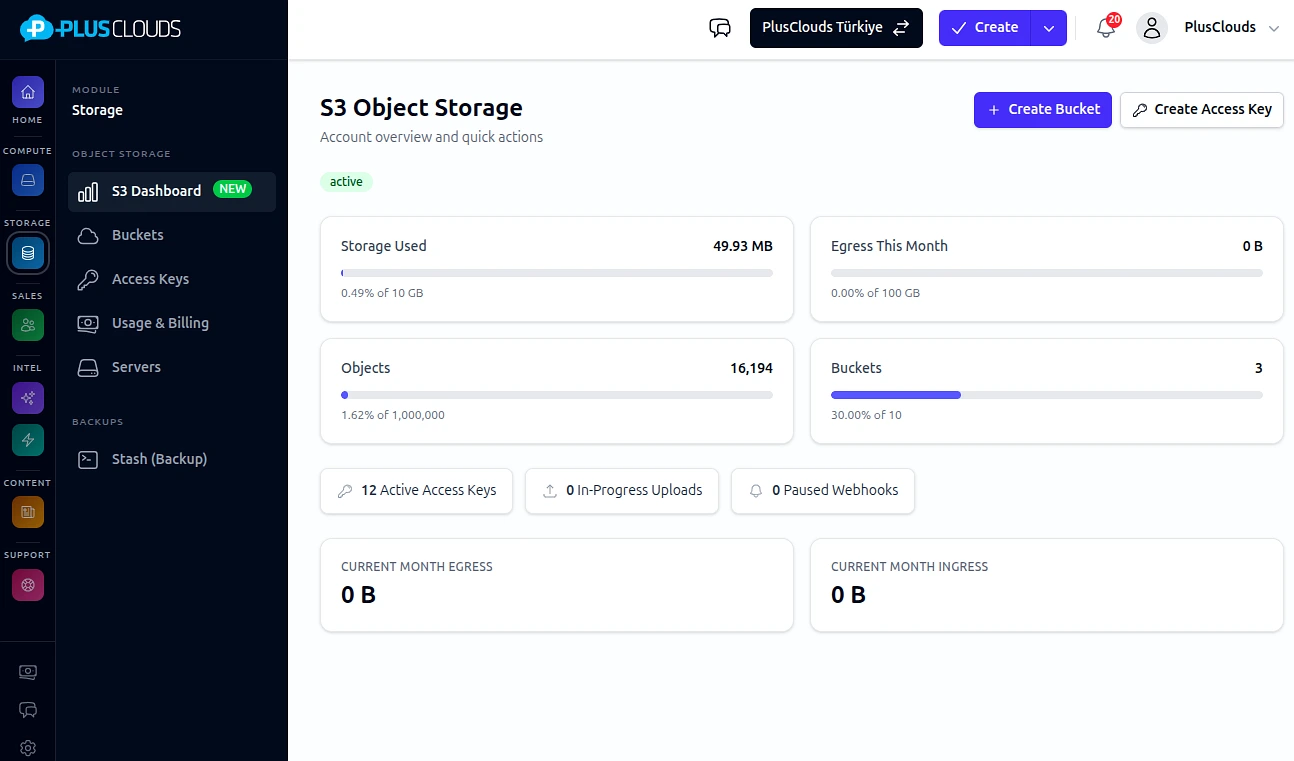
Add, detach, resize and clone virtual disks independently of the VM. The platform continuously scans every pool for capacity and health — across HDD, SSD and NVMe tiers.
Backup & Disaster Recovery
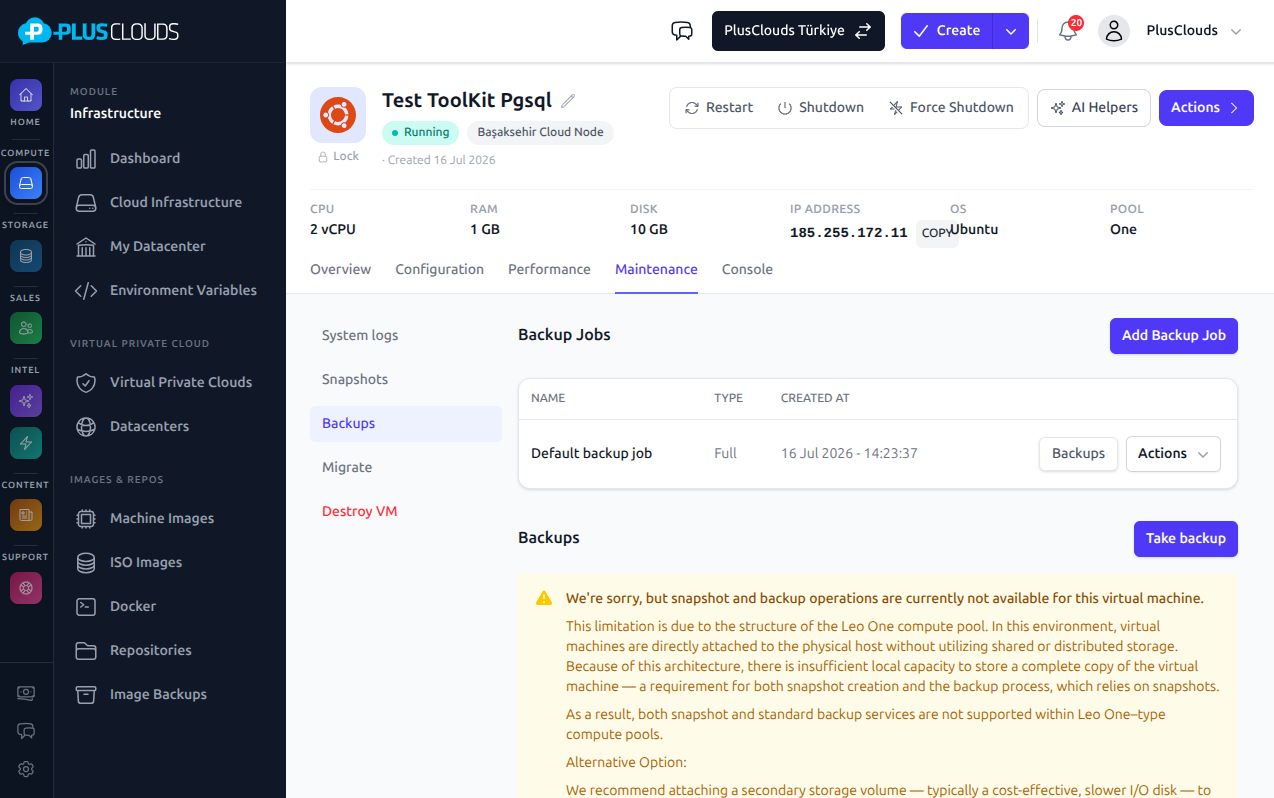
Every backup job carries an explicit Recovery Point Objective and Recovery Time Objective tracked by the platform. Automatic retention cleanup, replication to a secondary location, and one-click restore from any snapshot.
Boot Configuration
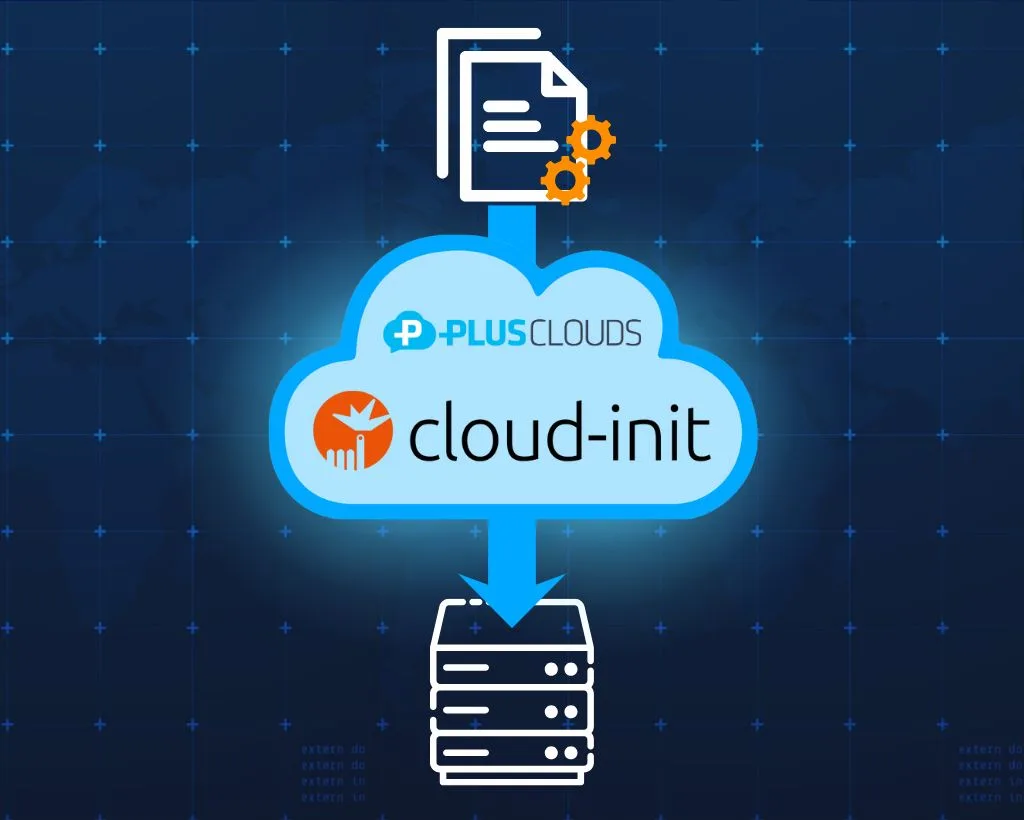
Hostname, password and disk expansion happen automatically at boot — and on every subsequent reboot. Add a startup script and it runs after setup completes; your server arrives configured and stays that way.
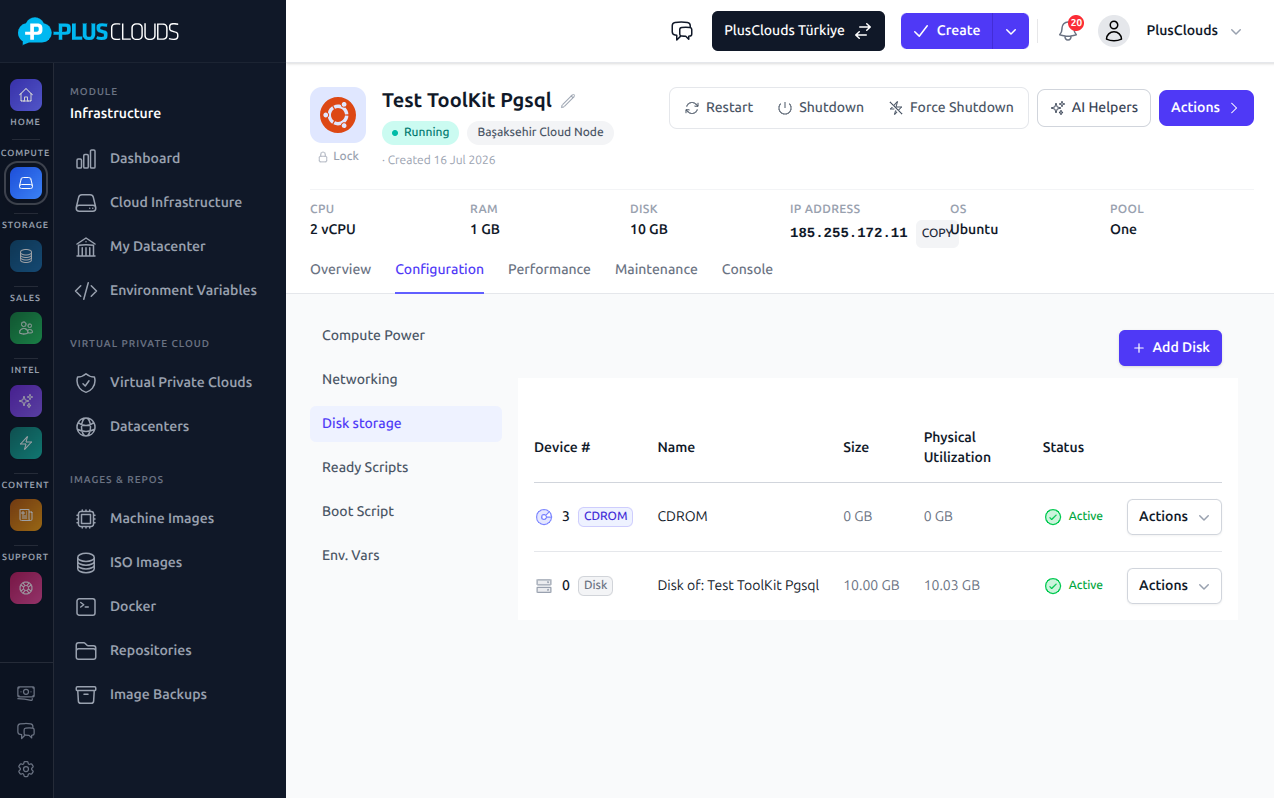
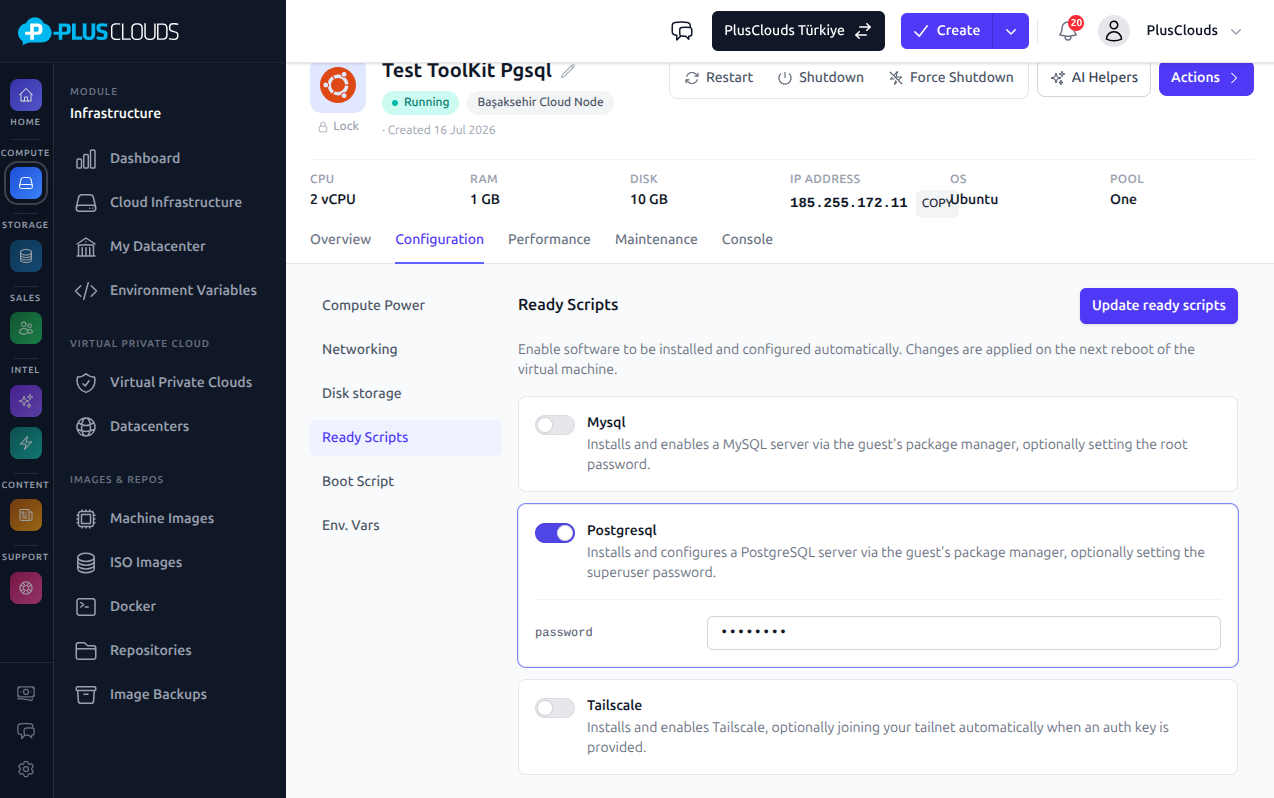
Service Roles
Choose the services you need when creating a VM. Auto-installed by the same trusted boot engine that sets your hostname and SSH keys — no manual login, no extra agent needed.
Why PlusClouds
The price you see is the price you pay — the hardware behind it is ours, not rented.
AMD EPYC processors and NVMe storage ready in under a minute — no queue, no sales engineer needed.
No minimum spend, no annual contract. Run a server for one hour, delete it, pay only for that hour.
We do not rent hyperscaler capacity and resell it. Our own hardware means lower cost and full control.
Hyperscalers charge up to $0.09 per GB to move your data out. We charge $0 — always, on every plan.
Linux, Windows, firewall, storage and application servers — all on hardware we own and operate.
Choose OS, CPU, RAM and storage — see the exact price, go live in 60 seconds.
Real cost difference
Drag the slider to estimate your annual savings compared to hyperscaler pricing.
$540/yr
Egress savings
$15,000/yr
Support tier savings
$15,540/yr
Estimated total savings
| Hyperscaler | 🏆 PlusClouds | |
|---|---|---|
| Data egress (per GB) | $0.09 / GB | $0.00 / GB |
| Critical support tier | $15,000 / yr | Included |
| Billing precision | Hourly | Per-second |
Data egress (per GB)
Critical support tier
Billing precision
Security architecture
Every technical detail a CISO needs — not just a badge.
Layer 1 — Perimeter
Active24/7 active volumetric + application-layer DDoS protection. 1 Tbps+ mitigation capacity.
Layer 2 — Network
IsolatedEvery tenant in a VXLAN-isolated segment. Lateral movement architecturally impossible.
Layer 3 — Application
ActiveManaged firewall rules + application-layer WAF. OWASP Top 10 covered by default.
Layer 4 — Data
EnforcedAll storage encrypted. TLS 1.3 minimum. Legacy ciphers rejected.
Layer 5 — Hypervisor
VerifiedOpen-source Xen hardware-level isolation. Confidential computing available.
Layer 6 — Network Fabric
IsolatedPublic, private, VPN, management and DMZ networks — each with its own CIDR, DNS and dedicated gateway/firewall. NICs attach independently of VM power state; bandwidth limits apply at both network and NIC level.
Why it holds up
Power never fails
Dual PDUs, dual UPS, dual utility feeds. A cut on one feed is invisible to your server.
Network never drops
Every server connects to two leaf switches simultaneously. A switch failure causes zero packet loss.
Hardware swapped in under 2 h
iDRAC out-of-band management lets us diagnose and replace without touching your workload.
80% of incidents auto-resolved
Metrics every 5 s. Automated runbooks close most issues before an engineer is paged.
Your data stays in EU data centers, GDPR-compliant by default — no cross-border transfer, no third-party access.
Break free
Stuck with a hyperscaler for 6 months while the rules changed underneath you? Rewrote everything just to switch clouds.
PlusClouds uses open standards — and as of September 2025, EU rules require at-cost egress pricing too. Migration takes days, not months.
Open Xen
Industry-standard virtualisation — not a proprietary hypervisor black box.
Open Storage Standards
Standard virtual-disk storage — attach, detach, clone, resize. No proprietary format lock-in.
2-Week Migration
Standard OS images. No API rewriting. Go live fast.
86%
of CIOs now plan to move workloads back from public cloud to private infrastructure
Barclays CIO Survey, Q4 2024
~80%
of IT leaders plan some repatriation within 12 months
IDC
$43B
spent globally on egress fees in 2025 — can inflate bills 3–5×
Industry estimate, 2025
95%
of IT leaders were hit by unexpected cloud charges
Backblaze Survey, 2025
Budget EU hosting looks cheap until support goes silent the day something breaks. Leo isn't the cheapest option — it's the one that answers.
Platform features
Backups with RPO/RTO tracking, automatic retention cleanup and replication to a secondary location — zero manual effort.
Learn more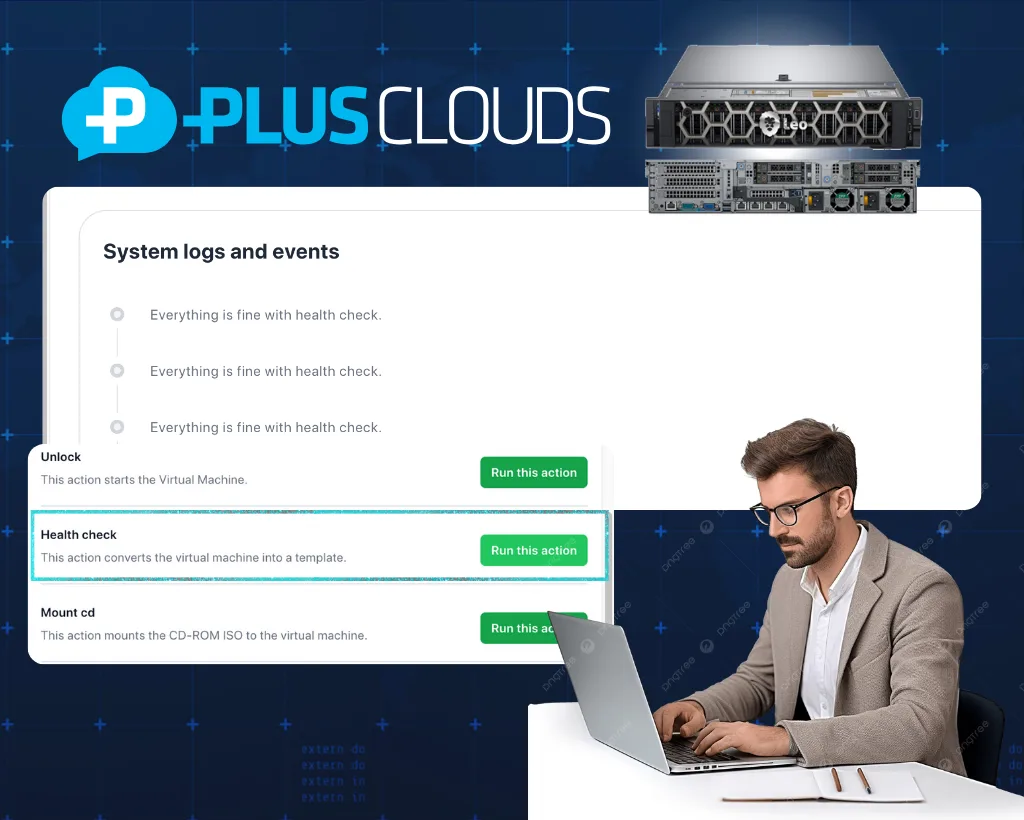
CPU anomalies are caught against a sliding usage baseline rather than a fixed threshold — detecting spikes that static alerting would miss.
Learn more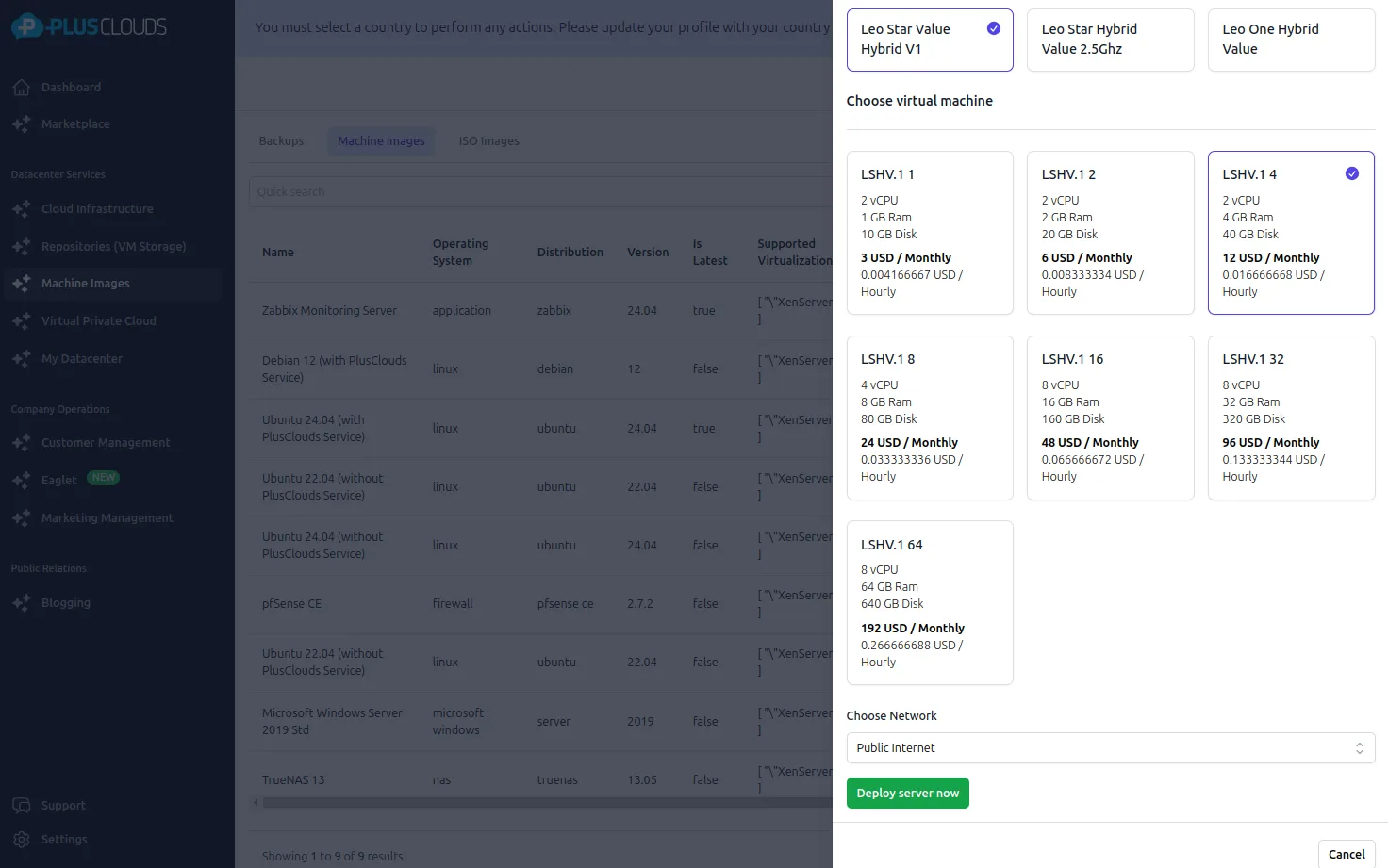
Restore from anywhere in a few clicks. Back online fast — no ticket required.
Learn more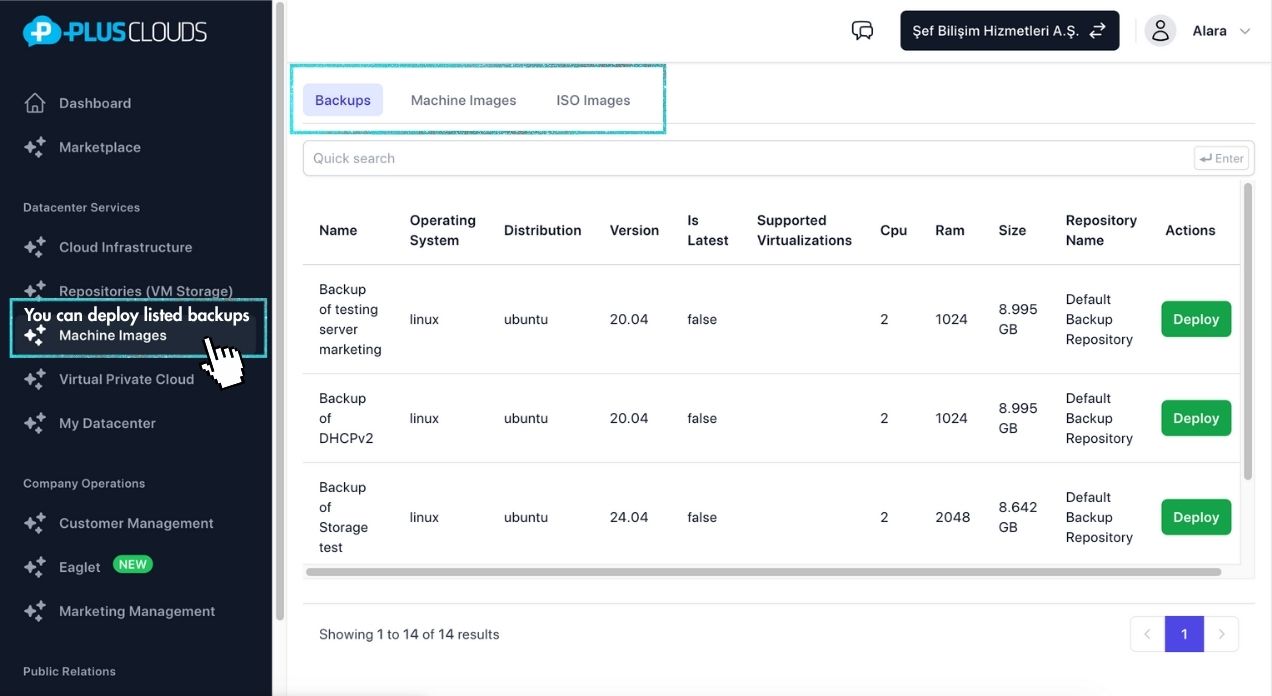
Trusted by enterprise teams
Series A–B SaaS teams and tech-forward mid-market companies who moved off a hyperscaler or a budget provider — and stayed.
“GDPR compliance audits went from 3 weeks to 3 days. Our data never leaves EU data centers — unmatched transparency.”
Maria Chen
Compliance Officer — FinTech
Audit: 3 weeks → 3 days
“Zero unplanned outages in 18 months. That is the difference between hitting targets and missing millions.”
James Morrison
VP Infrastructure — E-Commerce
Zero unplanned outages · 18 months
“Our regulators required proof our data never leaves the EU. PlusClouds runs its own EU data centers — that made the whole question disappear.”
Sophie Laurent
Security Lead — Insurance
GDPR-compliant · EU-only data residency
“Migrating from our old hyperscaler took 2 weeks — open Xen, standard images, no API rewrite. Finally a cloud that does not own you.”
David Park
CTO — SaaS
Hyperscaler → PlusClouds, in 2 weeks
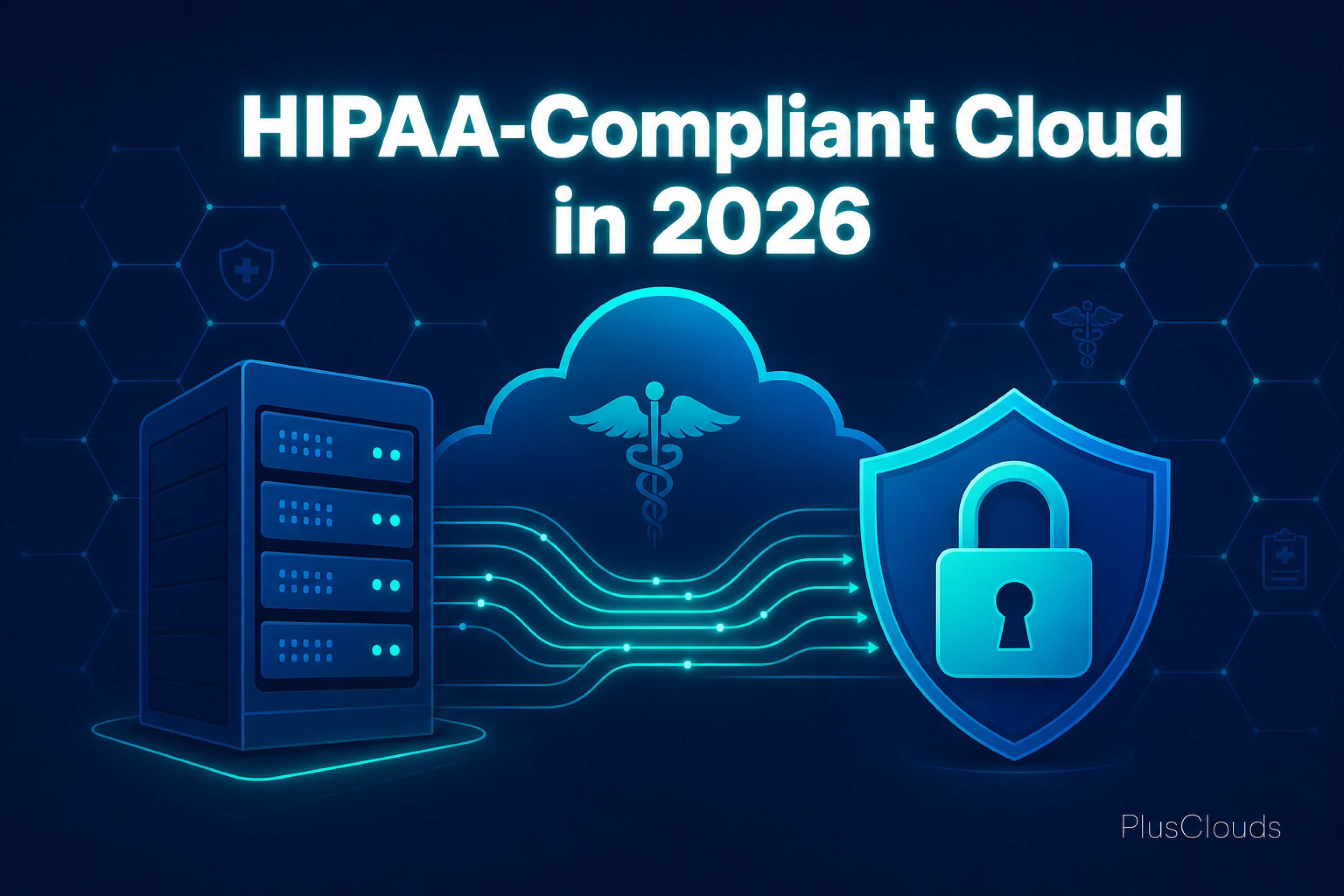
The 2026 HIPAA Security Rule overhaul converts previously "addressable" technical safeguards into hard mandatory requirements, directly affecting how covered entities and business associates configure cloud servers, storage encryption, backups, and network segmentation. This guide explains exactly what changed, what each control demands from your infrastructure, and how to achieve audit-ready compliance within 180 days.
Read →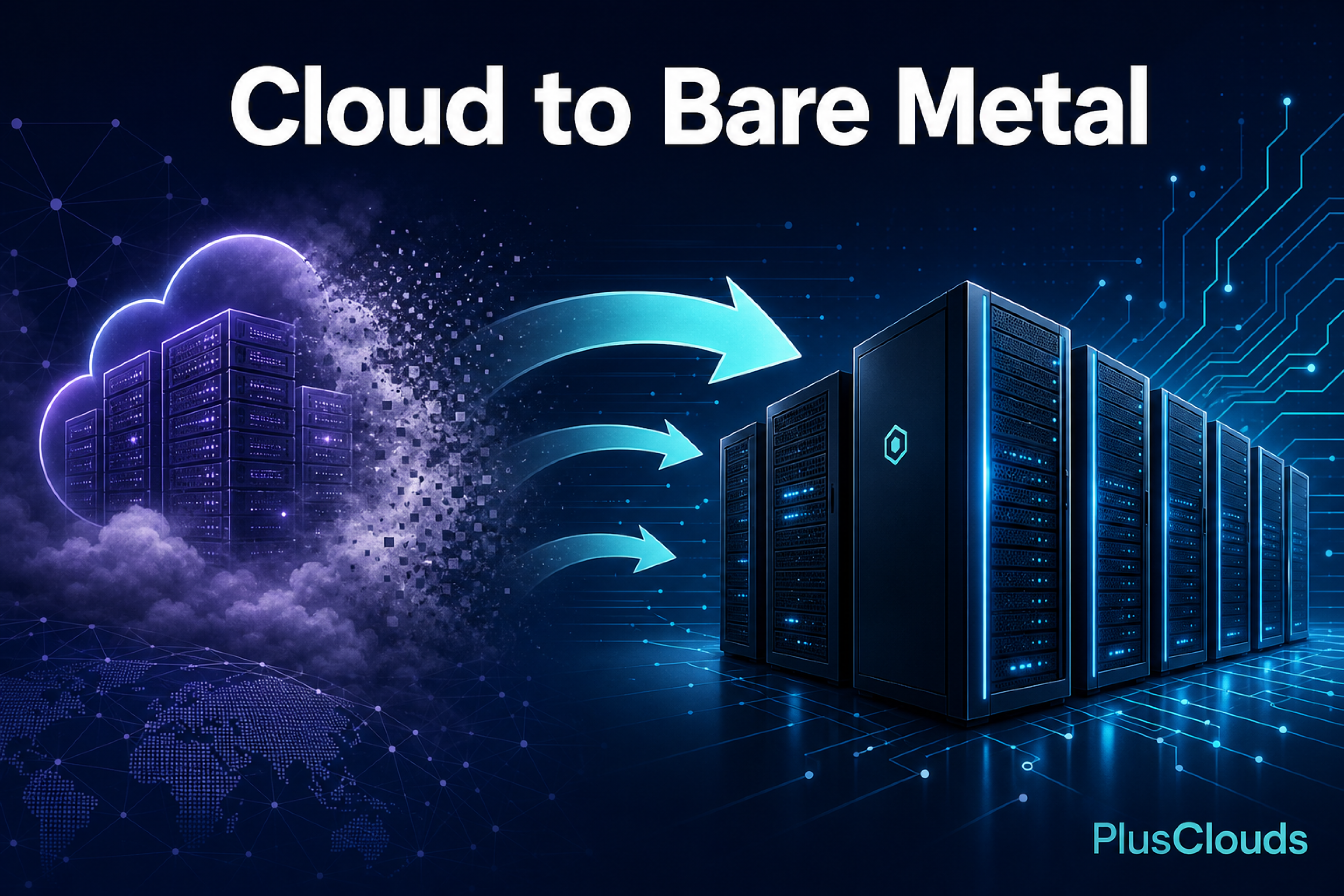
This playbook guides engineering teams through every stage of migrating production workloads from public cloud hyperscalers (AWS, Azure, GCP) to bare-metal dedicated servers, covering workload selection, TCO modeling, migration architecture, networking, and post-migration hardening. It provides a practical, defensible framework for reducing cloud costs without sacrificing reliability or performance.
Read →
In today's digitally driven world, businesses of all sizes face a common challenge: how do you maintain fast, secure, and reliable IT infrastructure without the enormous cost and complexity of building and running your own data center? The answer, for a growing number of organizations, is co-location one of the most strategic infrastructure decisions a modern business can make. So, what is co-location? Co-location is a service where businesses house their own servers and IT equipment in a third-party data center, sharing its power, cooling, and network infrastructure. This article covers everything you need to know about co-location: what it is, how it works, what it includes, who uses it, how it compares to other hosting models, and what to look for when choosing a provider.
Read →
In this detailed guide, we’ll cover not only how to change the SSH port, but also why it matters, potential pitfalls, and best practices for maintaining a secure server environment.
Read →
Whether you're self-hosting a similar data pipeline, building API integrations, or orchestrating automated outbound workflows, the infrastructure decisions below become very concrete, very quickly.
Read →
If you've outgrown shared hosting but aren't ready to manage a full bare-metal server, a Virtual Dedicated Server (VDS) is likely the right move. This guide breaks down every factor worth scrutinising before you commit.
Read →
The first step after creating a cloud server is usually to establish an SSH connection. Package updates, web server installation, database settings, security configuration... But what if all of these could be done automatically at the very first boot, without ever connecting to the server? Moreover, what if you didn't need an additional license, extra service, or third-party automation tool for this? Post Boot Script provides exactly that.
Read →
In recent years, there has been a significant transformation in the server world. Especially in terms of processor (CPU) capacities, we are witnessing a real leap forward. While 16 and 32 core processors were once considered "high performance," today CPUs with 64 cores and above are becoming standard. So, what happens to old hardware in this rapidly changing ecosystem? **Are 5-year-old servers still useful?** Our guide on increasing CPU capacities and the rising second-hand server market provides answers to this critical question.
Read →Join more than 1,800 companies on PlusClouds. European data centers, zero egress fees, guaranteed uptime.
A credit card is only needed when you deploy cloud servers
For purchases and detailed information, schedule a meeting — or reach us directly:
Deploy your first cloud server in minutes. No credit card required to explore.